Activity Stream
Overview
The Activity Stream is a notification distribution system. A simple API call creates an Activity notification Event, and users can individually control their subscription to these Events for all their products from a single place in the Vendasta Business App.
The Activity Stream
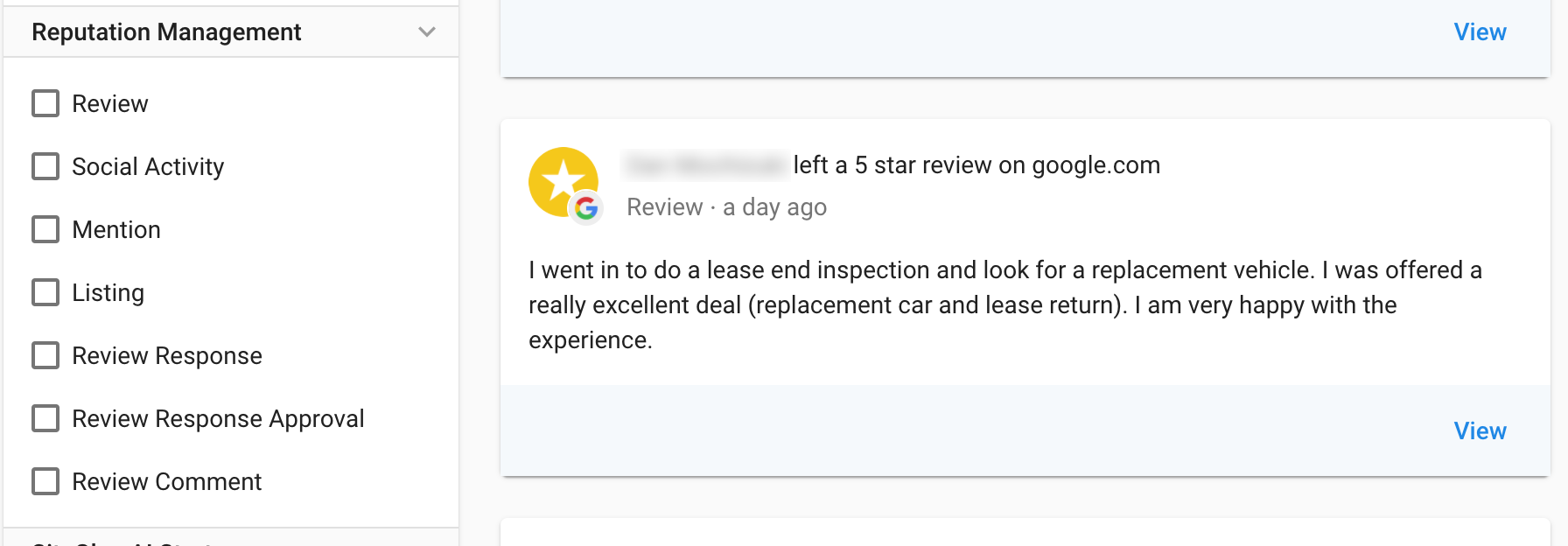
Notifications of Events that occur in any Product a Business has purchased are streamed to their Business App 'Activity Stream' page. Users can then click through to see further details or take action if prompted by the Activity.
Activity Emails
Anything that appears in the Stream can be pushed out through instant, or digest based emails which are automatically wrapped in the Channel Partners Branding. By default it will be pushed to all users on the Account; Notification Recipients can then set their preferences individually.
Adjust Communications Accordingly
When you switch your end user communications to flow through the Activity Stream you will want to turn off the corresponding emails on your end so users don't receive double communications.
Implementation of the Activity Stream
View the Activity Stream Schema
Activity Categories
The Activity Type is a Notification Category, which allows for filtering of all the Activities that are occurring in a Business's active Products.
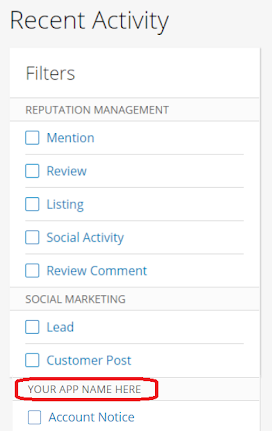
The following fields are strings used as categories, which can be filtered on in the Activity Stream page in Business App.
These ENUMS must be pre configured by Vendasta before you can start using the Activity Stream API. You will get an error indicating your Activity Type is invalid until this is completed.
SUBMIT YOUR ACTIVITY TYPES HERE *Case Sensitive
activity_type( required ) - Requires ENUM to be configured
The activity_type is displayed as a Category Header in the Activity Filter in Business App, so should be a user-friendly string. An activity_type should be configured for each type of Notification that will be pushed for an Product
settings_tags(optional) - Requires ENUM to be configured if being used
Optional sub categories per "activity_type". These Activity sub categories don't show up in the Activity Stream filters, and only apply to the Notification System Emailing preferences.
Activity Content
Basic HTML is supported by the content field and will render appropriately on the Activity Cards in the UI, or in the default email templates.
If you have more media heavy reports, you may want to send a message with a link to the report.
Drive Users into your product
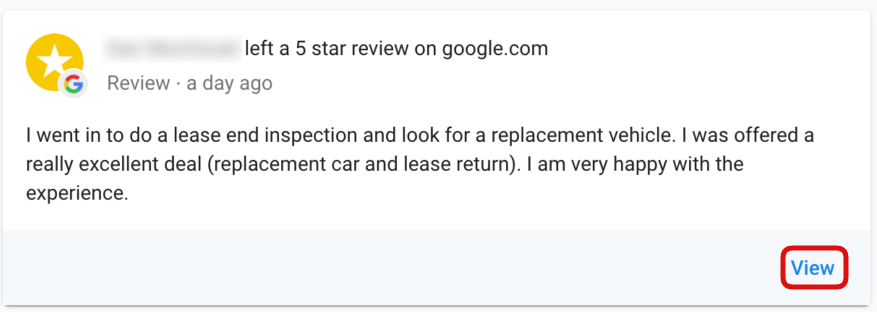
The link is a required field. When a User selects ‘View’, it calls the Product's Entry URL passing the link as the nextUrl parameter. This redirect can also occur from within an instant email. The nextUrl allows for deeplinking (directing a user to a page relevant to your Notification). Encode the nextUrl in the state parameter for OAuth SSO, and retrieve it when passed to your redirect_uri.
Hiding the View link
If your Activity requires no action, or your product doesn't have a dashboard, etc., and you want to hide the 'View' link in the Activity tile and instant email, submit requires_platform_auth as false, and the link param with the value https://nodisplay.com
Email Template Options
You can use your existing email html templates if you have them, or create a new dynamic template, for both the Instant Emails, and the Daily Digest.
You can set your preferences on how emails should behave for your Activities when submitting your Activity Types via the Activity submission form also linked above.
Instant Notification Template
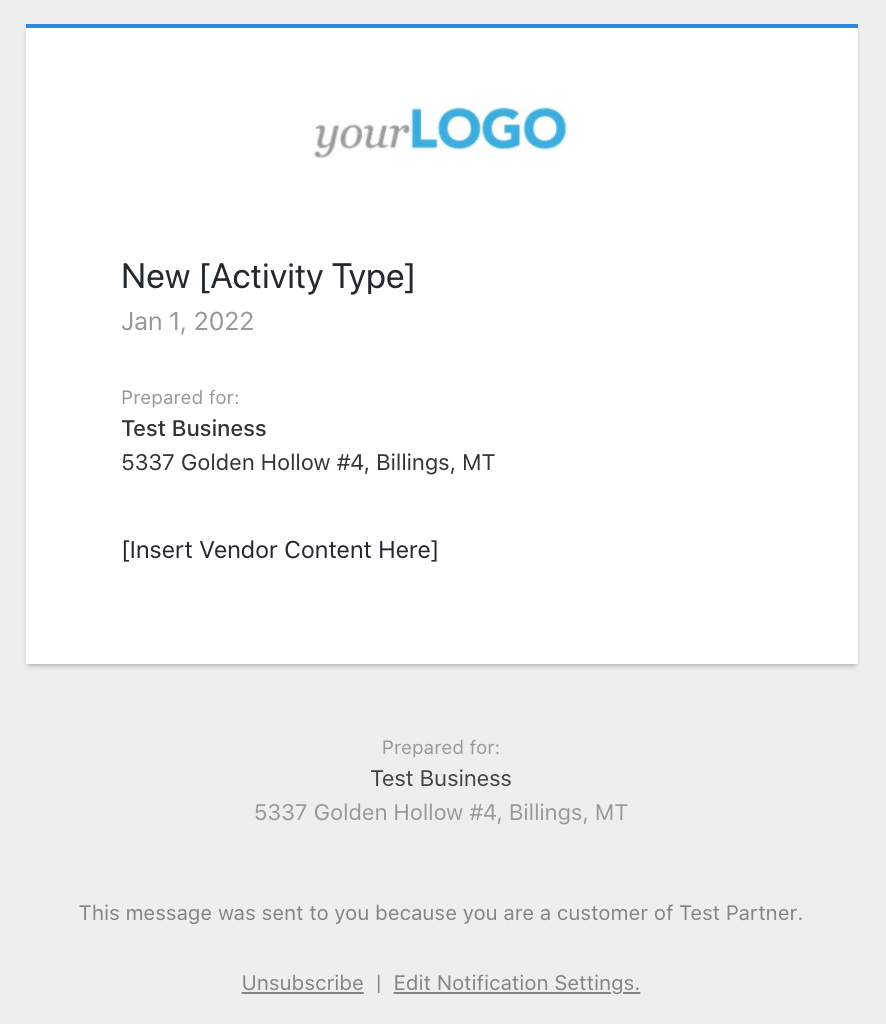
Default Structure:
Important
If you are using the default instant email template AND your content field includes html rather than a simple paragraph, you will need to include the html in both the content field AND the template_data as follows:
    "template_data": {
        "custom_content": "same content as the content field"
    }
Digest Template
Default Structure: This email has a section for each Product that has had activity for the day
There will be up to 3 of each type of Notification displayed, and then a ‘View all’ button below if there are more.
If you feel that your emails require something different for the inner tiles displayed for each activity, you can supply a custom html template for the individual activity tiles.